Documentation
Settings
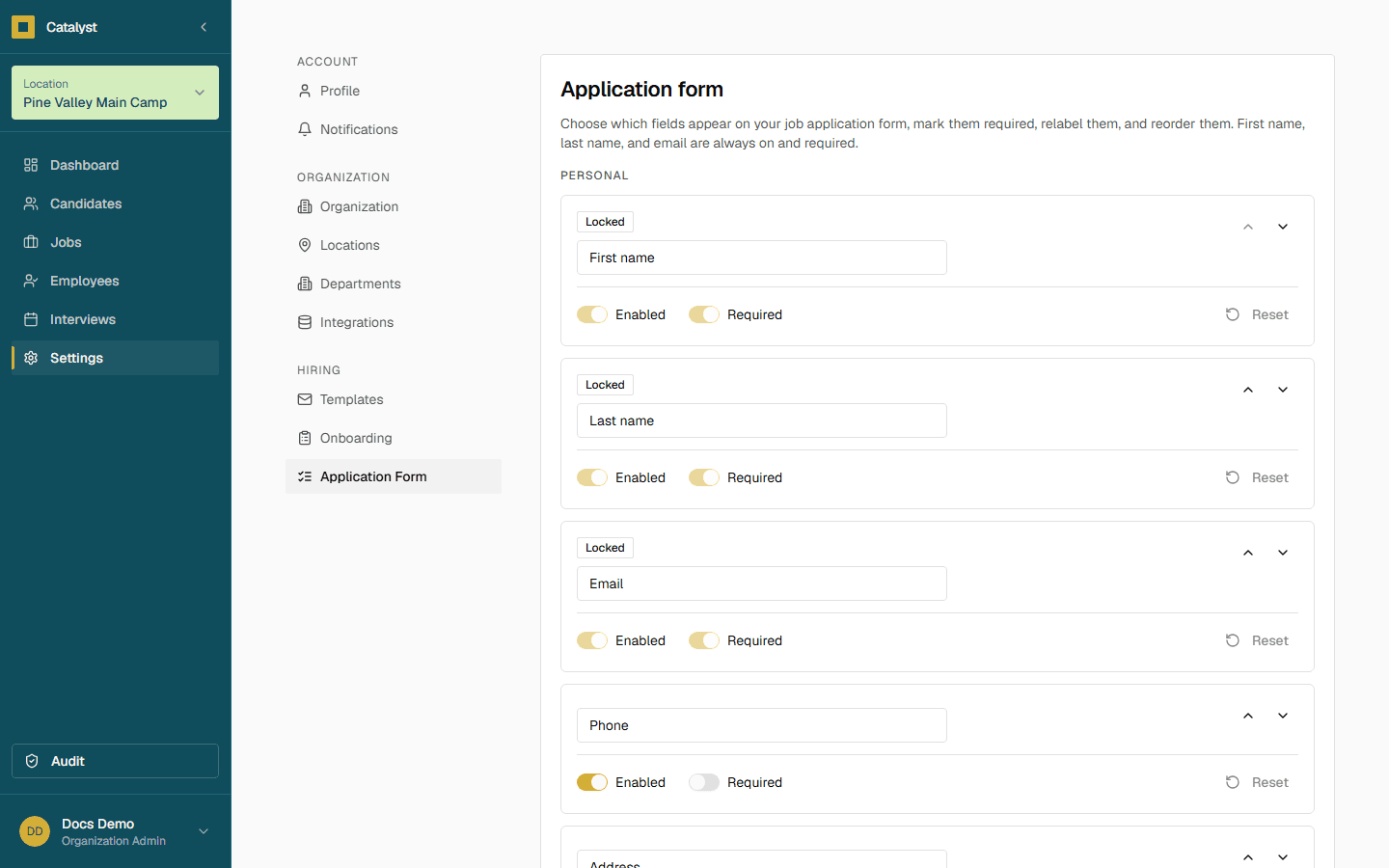
Settings is grouped into three areas, listed left to right in the sidebar under Settings.
Account
Profile
Manage your personal account information.
Notifications
Choose how you want to be notified about important events.
Organization
Organization
Manage your organization details, branding, and team access.
Locations
Manage your locations and their settings.
Departments
Manage department names used across job postings and candidates.
Integrations
Connect third-party services to enhance your workflow.
Hiring
Templates
Customize the emails sent to candidates and employees.
Onboarding
Choose which onboarding items new hires receive.
Application Form
Choose which fields appear on your job application form.
Custom credential types
On the Application Form page, choose Certification as a question type to track any credential your org needs — a forklift certificate, a food-handler card, a state license. A certification question appears in the apply form's Certifications section alongside the built-in credentials, and shows up on the candidate's profile once they apply. Like the built-in credentials, it's always optional for applicants.
Careers page & Google for Jobs
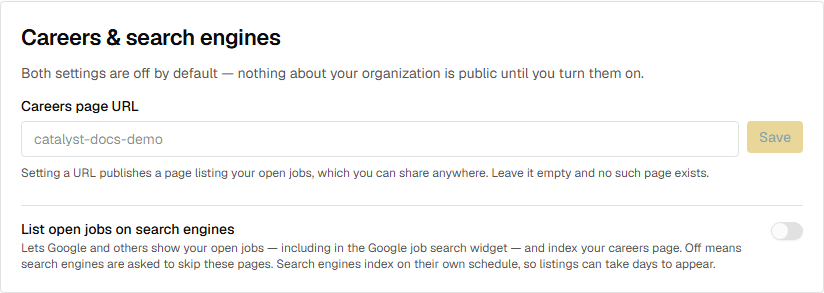
Settings → Organization has a Careers & search engines card with two independent switches, both off by default — nothing about your organization is public until you turn one on.
Setting a careers page URL publishes a page at /careers/your-slug listing your open roles, each linking to its application form. Share that link anywhere you like; clear the URL and the page stops existing. The URL must be unique across organizations.
Turning on List open jobs on search engines makes your careers page and open job pages indexable and adds the structured data Google needs to show your roles in its job search widget. With it off, those pages ask search engines not to index them. Search engines crawl on their own schedule, so newly published roles can take several days to appear.